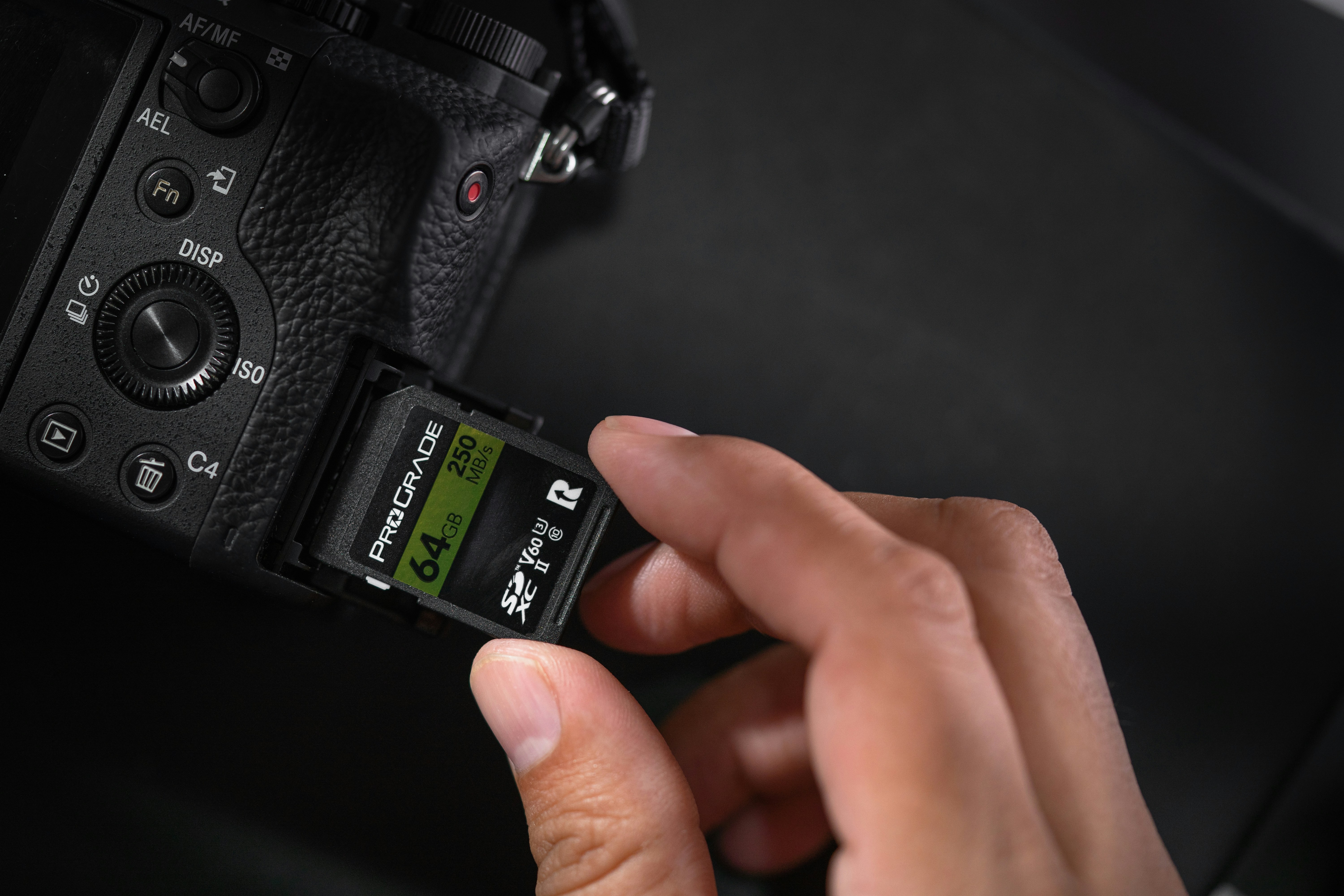
Your camera’s buffer and your memory card decide how long you can shoot before everything slows to a crawl.
Pick the right card and bursts keep flying, 4K doesn’t hiccup, and import day doesn’t take all night.
Pick the wrong one and you fight stutters—or worse, a counterfeit that eats a wedding. This guide stays practical: match what you shoot to the speed class and bus you actually need.
Quick Picks
- Best overall: ProGrade Digital SDXC UHS-II V60 (Gold) — fast enough for modern mirrorless stills + 4K, trustworthy, sensibly priced.
- Best budget: SanDisk Extreme Pro UHS-I V30 — the dependable starter card for hobbyists and older bodies; plenty for RAW bursts in UHS-I cameras.
- Best for fast bursts: Sony TOUGH SF-G UHS-II V90 — top sustained writes; built like a brick for sports/wildlife.
- Best for high-bitrate video on SD: Angelbird AV PRO SD V90 — tuned for long, hot recording sessions without dropping frames.
- Best microSD (drones/action cams): Samsung PRO Plus microSD V30 A2 — stable writes, good thermals, generous capacities.
- Best high-capacity travel card: ProGrade Digital UHS-II V60 (Gold) 1TB — big space without the “slow when full” penalty many huge cards have.
ProGrade Digital SDXC UHS-II V60 (Gold)
Best Overall SD Card

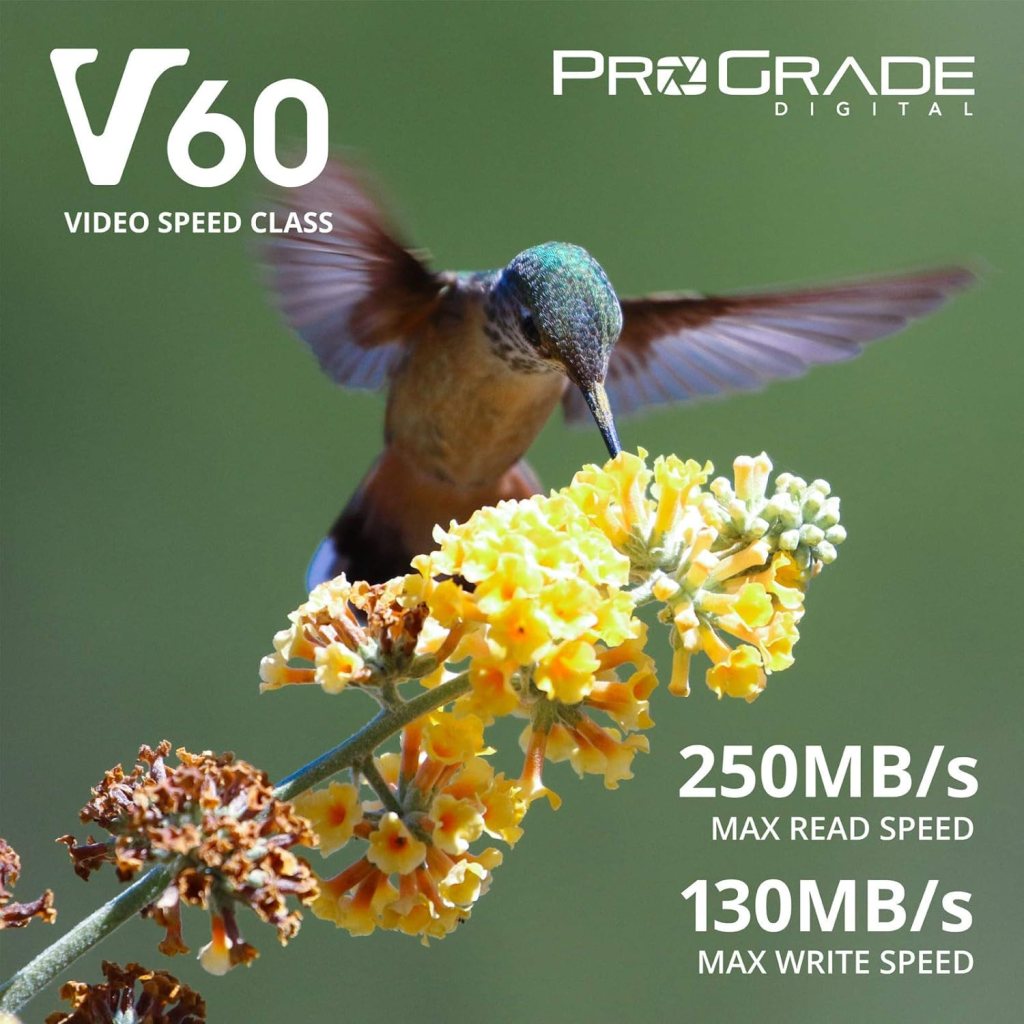
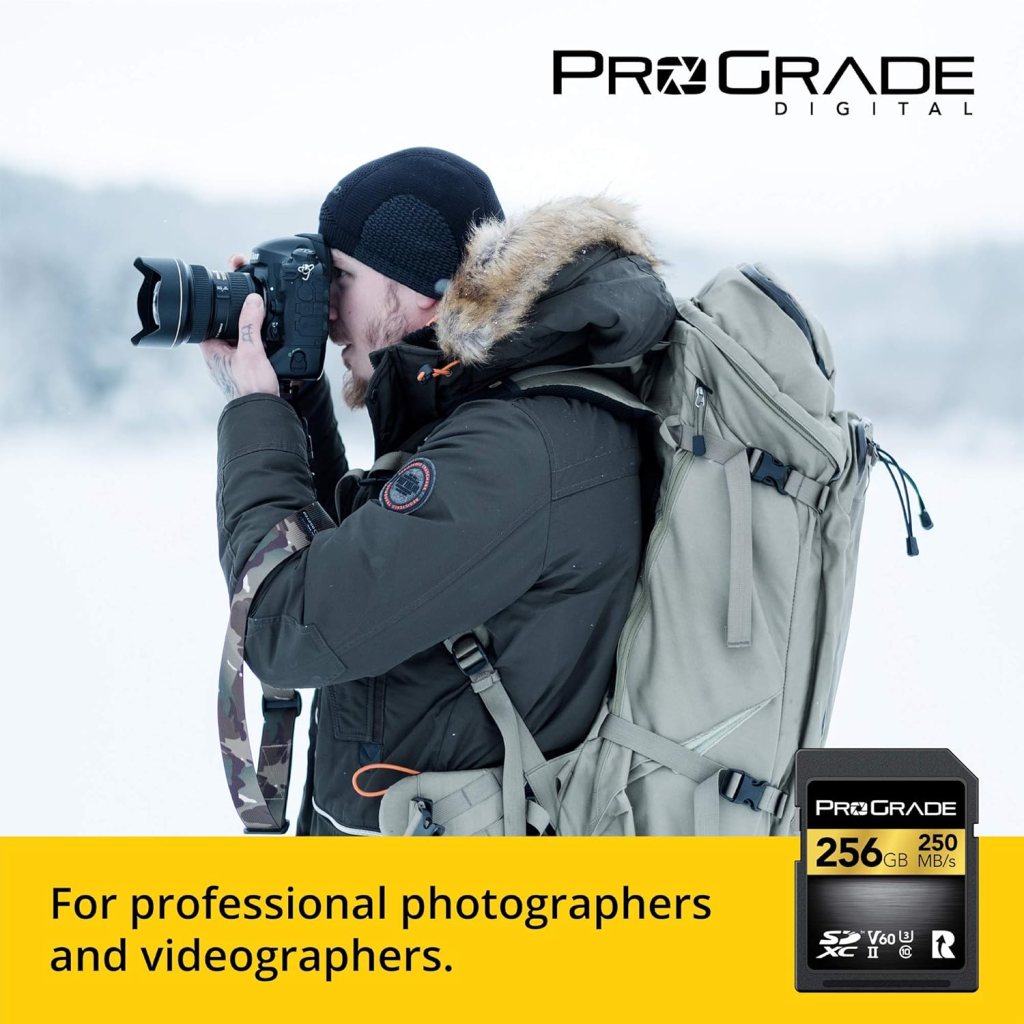

If you shoot a modern mirrorless and don’t want to overpay, this is the “gets it done” card. The UHS-II bus clears buffers fast, V60 sustained writes keep 4K happy, and ProGrade’s firmware tends to hold speed even as the card fills—exactly what you want on long days.
- Best for: everyday RAW bursts, 4K30/60 on SD-capable bodies, travel kits.
- Why it works: real sustained speed (not just box “up to” numbers) and good thermals under continuous use.
- Watch-outs: if your camera slot is UHS-I only, you won’t see the bus-speed benefit—still fine, just not magic.
Quick tip: label cards by date purchased and rotate them. Retire the hardest-used pair every season; cheap insurance.
SanDisk Extreme Pro UHS-I V30
Best Budget/Affordable SD Card
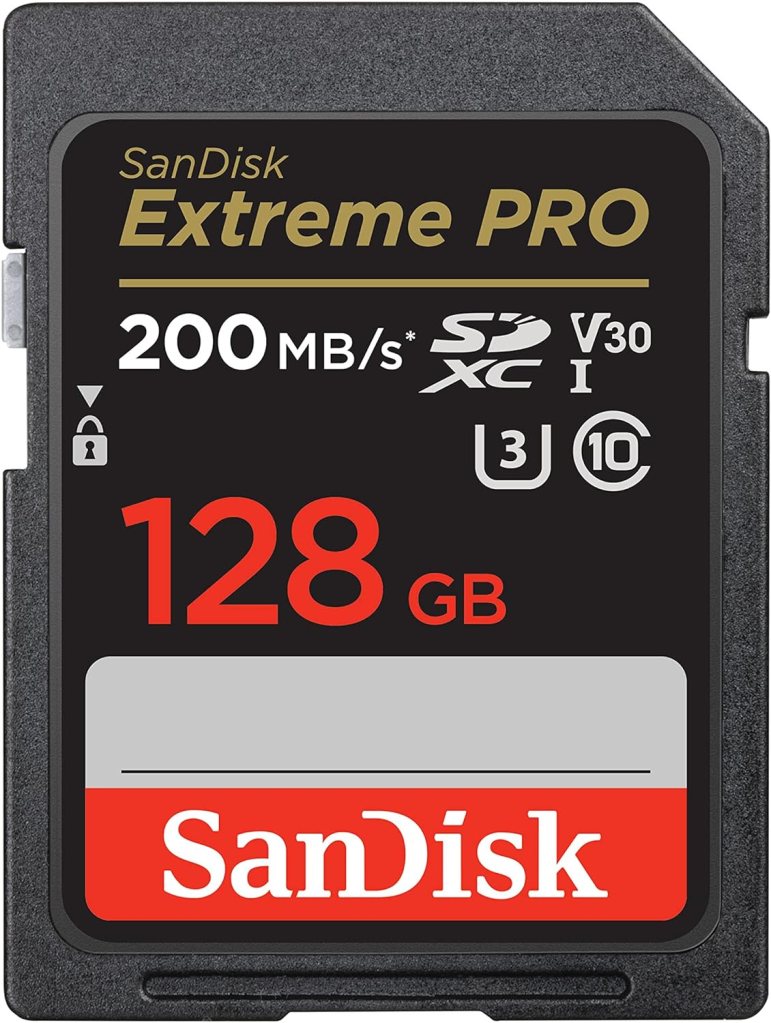
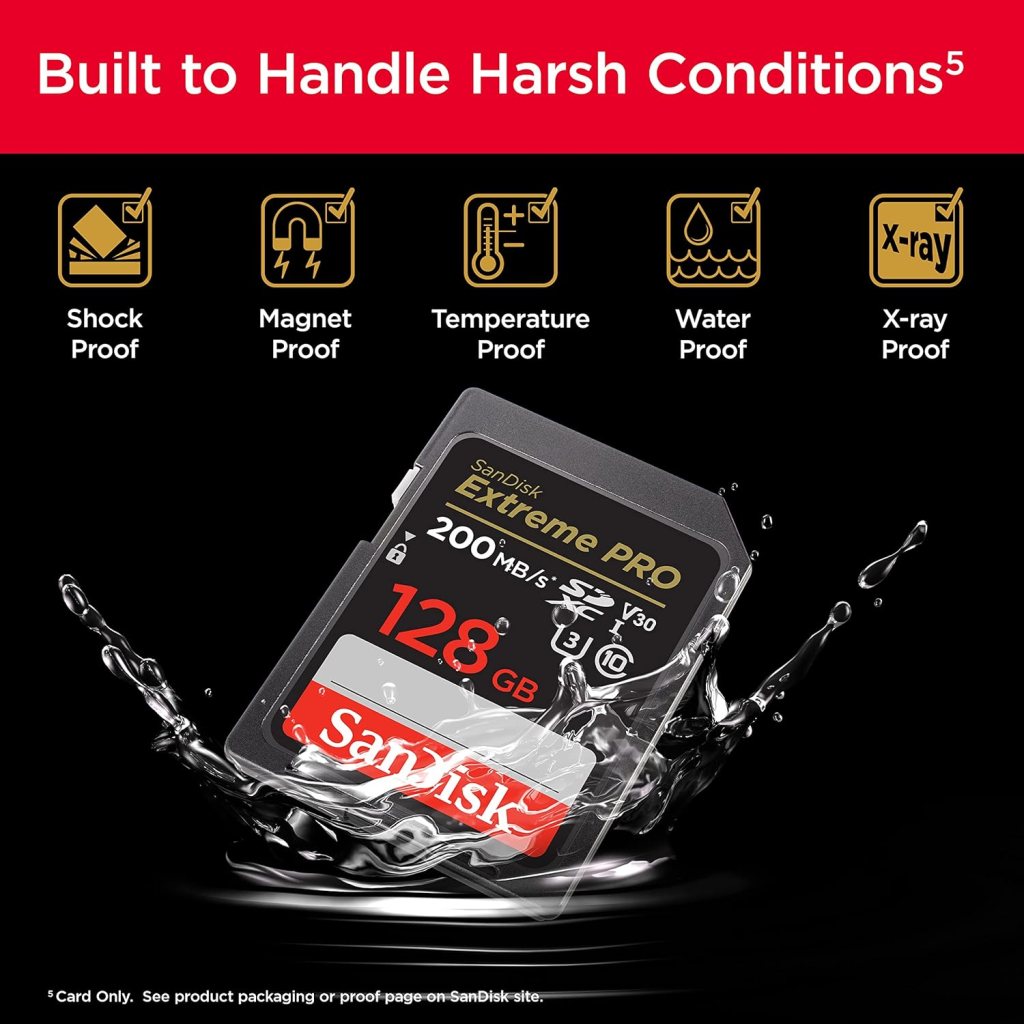
The safe default when your camera slot tops out at UHS-I—or when you’re building a budget kit. It’s widely compatible, quick enough for RAW bursts on UHS-I bodies, and V30 sustained writes cover 4K30 in most cameras without weird drops.
- Best for: older/entry bodies, hobbyists, backups in every pouch.
- Why it works: consistent controllers and firmware across capacities; easy to find and replace.
- Watch-outs: not a miracle worker—sports shooters on UHS-II bodies should step up to UHS-II V60/V90 for buffer clearing.
Quick tip: buy from authorized sellers only. Counterfeits love popular cards—run an integrity test (H2testw/F3) once before real use.
Sony TOUGH SF-G UHS-II V90
Best for Sports, Wildlife, High Burst Rates
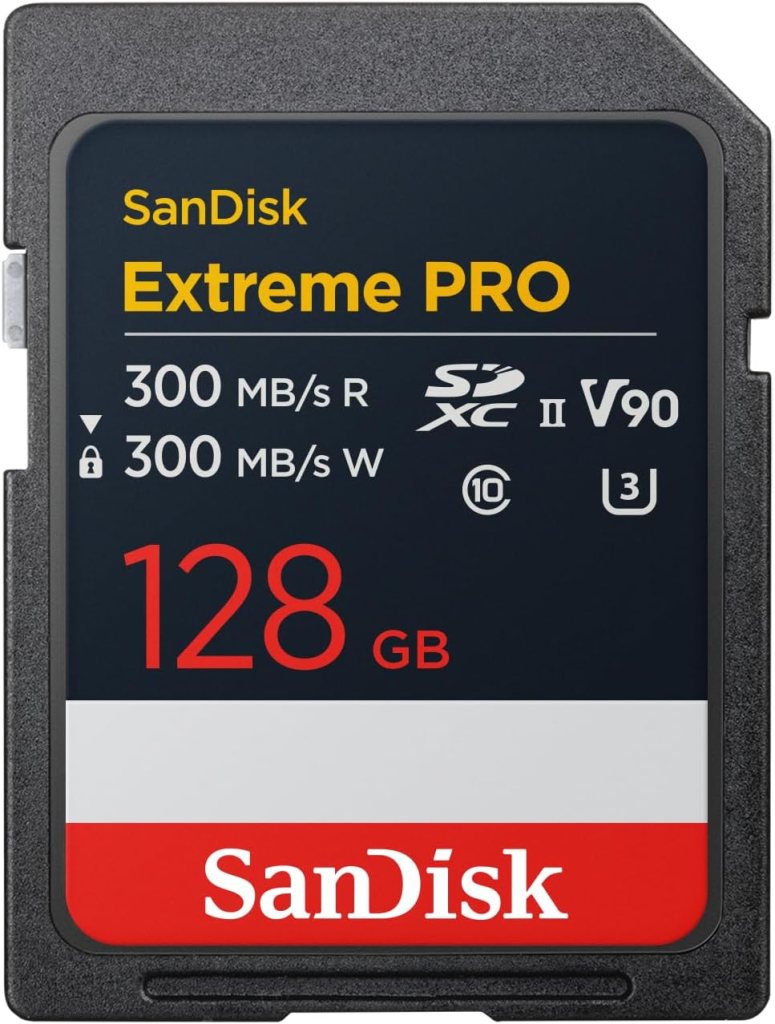
When you hammer the shutter at 10–20 fps and don’t want the camera wheezing after three seconds, this is the sledgehammer. V90 sustained writes keep buffers moving; the reinforced “TOUGH” shell shrugs off bends, dust, and pocket abuse.
- Best for: sports and wildlife, high-bitrate SD video, bad weather.
- Why it works: highest sustained class (V90) plus rugged build; less slowdown when cards get warm or near full.
- Watch-outs: you only see the benefit in UHS-II slots; if your camera supports CFexpress for peak video/8K, SD—any SD—will still be the bottleneck.
Quick tip: set your camera to overflow (slot 2 after slot 1) for stills. For paid work, use backup/dual write—V90 speed helps hide the hit.
Angelbird AV PRO SD V90
Best for SD Card for Shooting Video

If your camera records high-bitrate 4K/6K to SD and tends to overheat lesser cards, Angelbird is the quiet professional choice. It’s tuned for sustained writes, not just headline bursts, so long takes don’t randomly stop. Angelbird’s tooling and support are aimed at working shooters—nice when something goes weird at 2 a.m.
- Best for: long interviews, ceremonies, concerts—anything that rolls for minutes, not seconds.
- Why it works: strong sustained write floor (V90) and solid thermal behavior after the first few minutes.
- Watch-outs: check your camera’s approved media list—some bodies are picky about V90 brands/firmware.
Quick tip: before a paid job, run a 10-minute record test at your target codec. If it doesn’t blink in testing, it won’t blink on stage.
Samsung PRO Plus microSD V30 A2
Best SD Card for Drones

Drones and action cams beat on cards with heat, vibration, and sustained writes. Samsung’s PRO Plus is the microSD that takes that punch without getting flaky, and it’s fast enough (V30) for 4K30/60 in most compact cameras. The A2 rating is a bonus if you also use it in a phone.
- Best for: DJI drones, GoPros, pocket cams; also fine in a stills camera via the SD adapter in a pinch.
- Why it works: stable sustained speeds and good behavior when hot or nearly full.
- Watch-outs: for burst stills in a mirrorless body, a full-size SD beats microSD-in-adapter for consistency—use microSD where it belongs.
Quick tip: label microSDs on the adapter, not the tiny card. You’ll still know what’s what when you drop one on carpet.
ProGrade Digital UHS-II V60 (Gold) — 1TB
Best SD Cards for Travel or Wedding Photography

If swapping cards risks missing moments—or losing one—carry a single 1TB V60 you can trust. This ProGrade holds speed deep into the card, so the last third of space doesn’t feel like quicksand. For weddings and travel, fewer swaps = fewer ways to mess up.
- Best for: all-day events, multi-day trips, hybrid shooters capturing lots of stills + 4K.
- Why it works: large capacity without the “slows when nearly full” behavior common to cheaper big cards.
- Watch-outs: huge cards concentrate risk. Use dual-slot backup if your camera supports it, and back up to SSD each night.
Quick tip: shoot one card per day on trips and back up nightly. If a camera dies, you only lose today—not the whole week.
Comparison Table
| Card | Specs |
|---|---|
| ProGrade Digital UHS-II V60 (Gold) | Type: SDXC Bus: UHS-II (two rows of pins) Speed class: V60 (≥60 MB/s sustained) Capacities: 64–512GB |
| SanDisk Extreme Pro UHS-I V30 | Type: SDHC/SDXC Bus: UHS-I Speed class: V30 (≥30 MB/s sustained) Capacities: 32–512GB |
| Sony TOUGH SF-G UHS-II V90 | Type: SDXC (reinforced shell) Bus: UHS-II Speed class: V90 (≥90 MB/s sustained) Capacities: 64–256GB |
| Angelbird AV PRO SD V90 | Type: SDXC Bus: UHS-II Speed class: V90 Capacities: 64–256GB |
| Samsung PRO Plus microSD V30 A2 | Type: microSDXC (with SD adapter) Bus: UHS-I Speed class: V30, A2 (app class for phones) Capacities: 128–512GB |
| ProGrade Digital UHS-II V60 (Gold) 512GB | Type: SDXC Bus: UHS-II Speed class: V60 Capacities: 512GB (our travel pick) |
Who Should Buy What
| Card | Best use & notes |
|---|---|
| ProGrade Digital UHS-II V60 (Gold) | Best for: most mirrorless shooting (RAW bursts, 4K30/60 on SD-capable bodies). Why: UHS-II bus clears buffers fast; V60 covers typical 4K bitrates with headroom. |
| SanDisk Extreme Pro UHS-I V30 | Best for: budget builds and UHS-I-only cameras. Why: reliable V30 sustained writes; sweet spot for price/performance. |
| Sony TOUGH SF-G UHS-II V90 | Best for: sports/wildlife hammering RAW bursts. Why: V90 sustained writes keep buffers moving; rugged shell shrugs off abuse. |
| Angelbird AV PRO SD V90 | Best for: high-bitrate 4K/6K recording on SD-first cameras. Why: tuned for long takes; excellent thermal behavior. |
| Samsung PRO Plus microSD V30 A2 | Best for: drones/action cams. Why: stable V30 writes in heat and vibration; A2 is a nice bonus for phone use. |
| ProGrade Digital UHS-II V60 512GB | Best for: travel/weddings where swapping cards is risky. Why: large capacity without the “slows when nearly full” behavior common to cheaper big cards. |
How to choose (what actually matters)
- Match the bus to your slot: UHS-II cards (two rows of pins) clear buffers much faster—but only in UHS-II slots. UHS-I bodies can use them, just at UHS-I speeds.
- Buy sustained speed, not “up to”: the V-class (V30/V60/V90) is the only number that promises a minimum write speed. Box “300 MB/s” is often a short burst.
- Still vs video needs: V30 = RAW stills + 4K30 on many bodies; V60 = modern mirrorless sweet spot (bursts/4K60); V90 = sports/wildlife bursts or high-bitrate/6K on SD.
- Capacity that fits your day: 128–256GB for most stills days; 512GB for weddings/travel or long takes—use dual-slot backup.
- Thermals matter: long video heats cards; good ones hold speed when hot, cheap ones throttle or error.
- Reader reality: a fast card + slow reader = slow workflow. Use a UHS-II USB-C 3.2 reader; avoid random hubs for big imports.
- Don’t over-SD it: if your camera offers CFexpress for top modes, use it—SD (even V90) will bottleneck.
Quick tip: set an Auto ISO max when testing video. If a clip stops, it’s usually a sustained-write shortfall, not the sensor or heat.
Jargon, decoded (short and friendly)
- SDHC vs SDXC: SDHC ≤32GB (FAT32); SDXC 64GB–2TB (exFAT). Most modern cameras want SDXC for big files/long clips.
- UHS-I / UHS-II: the bus. UHS-II adds a second row of pins → higher real-world writes and quicker imports.
- U1/U3 vs V30/V60/V90: ignore U1/U3 (old). V-class is the guaranteed minimum sustained MB/s (V30 ≥30, V60 ≥60, V90 ≥90).
- A1/A2: app ratings for phones (random I/O). Nice for microSD in phones; irrelevant for cameras.
- “Up to 300 MB/s”: peak read on a vendor bench—helps import time, meaningless for continuous recording.
- Sustained write: speed a card holds for minutes, not milliseconds; this prevents dropped frames.
Quick tip: 4K60 at ~200–400 Mb/s = 25–50 MB/s. A V60 card (≥60 MB/s sustained) gives safe headroom.
Compatibility check (so you don’t buy the wrong thing)
Most mistakes happen at the card door. Look for a tiny “II” icon near the slot or in the manual: that means UHS-II. No “II”? You’ll gain V-class reliability but not the UHS-II speed bump.
- Dual slots, mixed speeds: mirroring/backup runs at the slower slot’s speed. For bursts, use overflow or RAW to fast slot, JPEG to slow.
- MicroSD with adapter: perfect for drones/action cams. In stills bodies it works, but full-size SD is more consistent for bursts.
Quick tip: very old cameras labeled only SD/SDHC should cap at 32GB (SDHC) unless the manual confirms SDXC.
How we test (trust, but verify)
- Bench: sequential + sustained write with a UHS-II USB-C 3.2 reader—warm the card first, then measure.
- In-camera burst: time a RAW buffer dump and recovery (how fast you can shoot again).
- Video soak: record a 10-minute clip at target bitrate; log temps and any drops/errors.
- Near-full behavior: repeat at ~70–90% capacity; weak controllers often slow down here.
Quick tip: DIY sanity check: run H2testw/F3 once on a new card, then shoot a 10-minute clip in-camera. If both pass, you’re good.
Workflow & readers
- Reader first: use a UHS-II reader for UHS-II cards; hubs can silently throttle.
- Cable matters: a real USB-C 3.2 Gen 2 cable saves more time over a year than “a faster card” will.
- Field backup: rotate two cards per body; each night clone to a small SSD (phone + OTG or laptop). Label sets A/B so you always know what’s dumped.
Reliability & counterfeits
- Authorized sellers only: popular models attract fakes.
- Initialize right: format in-camera before first use; don’t drag computer leftovers onto the card.
- Track your media: log serial + purchase date; retire high-duty cards on a schedule (e.g., every season for events).
- One job, one set: don’t mix half-shot cards across projects—backups stay clean.
Care & use tips
- Format, don’t delete: copy → verify → format in camera when a card is “done.”
- Keep them dry/cool: use a hard case; pockets + rain kill cards.
- Don’t hot-pull: stop recording, wait a beat, then eject. Mid-write pulls corrupt files.
- Right-size capacity: for stills, 128–256GB balances risk and convenience.
Quick tip: mark clean/empty cards with a green dot; flip the case insert to red after shooting. You’ll never format the wrong one.
FAQ
Do I need V90 for stills?
Usually no. V60 keeps buffers moving on UHS-II bodies; V90 helps only if you spray at 20 fps or write very large RAWs.
Will a V90 card speed up my UHS-I camera?
Not for writes. In-camera it behaves like a fast UHS-I card. You may still import faster with a UHS-II reader.
Why do my videos stop after a minute?
Your card’s sustained write is below the bitrate, or it’s throttling from heat. Step up V-class (V30 → V60 → V90) and avoid microSD+adapter for high-bitrate modes.
Is microSD slower than SD?
For drones/action cams, microSD V30 is fine. For burst stills, full-size SD is more consistent.
How many photos fit on 128GB?
Ballpark: 24 MP RAW ≈ 3–4k, 33 MP ≈ 2.5–3k, 45 MP ≈ 1.8–2.2k files. Bracketing/bursts eat space.
Can I mix brands/speeds in dual slots?
Yes, but mirrored writing drops to the slower card/slot. Put the faster card in the faster slot.
When should I move to CFexpress?
If your camera supports it and you’re hitting SD limits (8K, All-Intra 4K/6K, heavy bursts). CFexpress is a different league for sustained writes.
Final recommendations
- Most people: UHS-II V60, 128–256GB (e.g., ProGrade Gold) — fast, reliable, good value.
- Budget/older bodies: UHS-I V30, 128GB (e.g., SanDisk Extreme Pro) — dependable and cheap.
- Sports/wildlife or hot SD video: UHS-II V90 (Sony TOUGH / Angelbird) — highest sustained write class.
- Drones/action cams: microSD V30 A2, 256GB (Samsung PRO Plus).
- Travel/weddings: one 512GB V60 you trust + dual-slot backup and nightly SSD copies.
This post contains affiliate links. If you purchase through these links, I may earn a small commission at no extra cost to you. As an Amazon Associate, I earn from qualifying purchases and stand behind all of my recommendations.






Leave a Reply