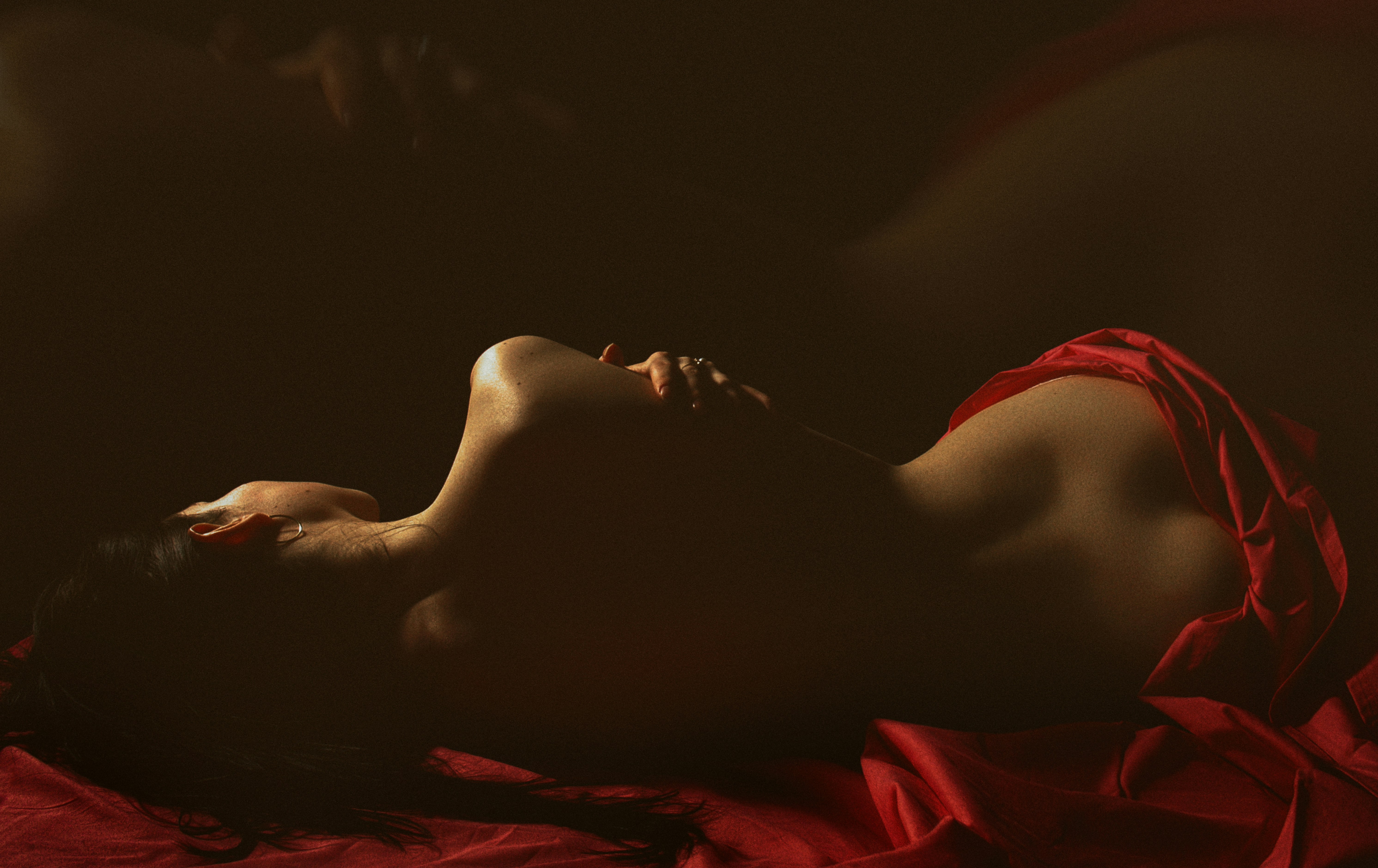
When it comes to building a successful OnlyFans page, your camera is your brand. Lighting, angles, and editing all matter — but none of them can make up for grainy footage or poor color. A good camera gives you flexibility, polish, and the power to stand out from the crowd.
Whether you’re just starting out or ready to upgrade, this guide breaks down the best cameras for OnlyFans creators. Every option here balances clarity, portability, and ease of use, so you can focus on connecting with your audience instead of fighting your gear.
Also Read: 5 Best Streaming Cameras for Every Budget
What to Look for in a Camera for OnlyFans
Before jumping into the top picks, here are the core features to focus on:
1. Video Quality and Resolution
1080p is the baseline, but 4K gives you room to crop or zoom without losing sharpness. Look for cameras with solid autofocus and face tracking.
2. Low-Light Performance
Many creators shoot indoors. A larger sensor (APS-C or full frame) or strong ISO performance keeps your image bright and noise-free.
3. Connectivity
USB-C or HDMI output lets you stream directly to a computer. Built-in Wi-Fi makes file transfers fast for posting or editing.
4. Ease of Use
Articulating screens, simple menus, and one-touch recording are game changers when filming solo.
5. Audio Quality
Built-in mics are fine to start, but make sure your camera supports an external mic. Clear sound matters more than you think.
1. Sony ZV-E10
Best Bang-For-Your-Buck Camera

Price: Around $800
Type: Mirrorless APS-C
Best for: Serious creators ready for pro-level visuals
The Sony ZV-E10 dominates the creator market. It’s lightweight, mirrorless, and specifically built for vlogging. The 24.2MP APS-C sensor delivers crisp, cinematic detail, and Sony’s Real-Time Eye AF keeps your face in perfect focus even when you move.
Pros
- Outstanding autofocus and image clarity
- Flip-out touchscreen for self-recording
- Excellent low-light results
- Interchangeable lenses for future upgrades
Cons
- Battery life could be better
- Requires separate lens purchases
Why it works for OnlyFans:
It’s professional without being intimidating. You get the depth and softness of a DSLR look without the bulk. Perfect for bedroom setups or professional studio environments.
2. Sony ZV-1 II
Absolute Best Content Creator Camera

Price: Around $1,000
Type: Compact 1-inch sensor
Best for: Creators who want plug-and-play simplicity
The ZV-1 II is a premium compact designed for social creators. It has a built-in 18–50mm wide-angle lens, stunning autofocus, and bright f/1.8 aperture for soft backgrounds. You can set it on a desk, hit record, and trust it to make you look your best.
Pros
- 4K recording at up to 120fps
- Great built-in microphone
- Excellent skin tones and color science
- No need for extra lenses
Cons
- No interchangeable lenses
- Slightly higher price point
Why it works for OnlyFans:
If you want high-end quality in a no-fuss setup, this is the one. It’s discreet, quick to operate, and ideal for content creators working in tight spaces.
3. Sony ZV-1F
Best Mid-Range Camera

Price: Around $600
Type: Compact
Best for: New creators upgrading from a phone
The ZV-1F offers much of Sony’s creator tech at a lower cost. It has fast Eye-AF, strong color rendering, and a wide 20mm lens that flatters close-ups. It’s perfect for creators who want DSLR-style results without the price tag.
Pros
- Affordable entry to the Sony ecosystem
- Excellent autofocus
- Lightweight and easy to travel with
- USB-C charging and direct file transfer
Cons
- Limited zoom range
- Mediocre battery life
Why it works for OnlyFans:
This is a major step up from a smartphone, producing professional video with almost no learning curve. It’s ideal for creators who film often and want consistent results.
4. GoPro HERO12
For Creative Angles and Movement

Price: Around $350
Type: Action camera
Best for: Lifestyle or active creators
The HERO12 might seem unconventional, but for creators who like dynamic content — workouts, travel, behind-the-scenes clips — it’s unbeatable. HyperSmooth stabilization keeps footage silky even without a tripod.
Pros
- Ultra-wide 5.3K video
- Waterproof and durable
- Compact and mountable anywhere
- Voice control and remote app
Cons
- Not ideal for sit-down content
- Limited depth of field
Why it works for OnlyFans:
Great for creators who want variety in their content. It’s versatile enough for outdoor shoots, showers, or creative point-of-view scenes.
5. Insta360 GO 3S
Tiny POV Genius for On-the-Go Content

Price: Around $390
Type: Wearable action cam
Best for: Capturing hands-free creative shots
The Insta360 GO 3S is small but mighty. Its magnetic mount system and waterproof design let you record ultra-smooth 4K clips from nearly any angle. Use it to capture candid moments or unusual perspectives that make your page stand out.
Pros
- Stabilized 4K footage
- Hands-free operation
- Easy to mount or hide
- Auto-edit app for quick posting
Cons
- Short battery life in standalone mode
- Smaller sensor means lower depth
Why it works for OnlyFans:
It gives your content a unique, immersive feel that handheld cameras can’t replicate. Perfect as a second camera for B-roll and creative shots.
6. HOM 4K Digital Camera
Best Cheap Budget Camera for OnlyFans

Price: Under $100
Type: Entry-level vlogging camera
Best for: Testing the waters before investing
This small, lightweight camera offers surprising value. With 48MP stills, 4K recording, and a simple menu, it’s a great starter for creators on a budget. It even includes a selfie flip function and tripod mount.
Pros
- Very affordable
- Decent image quality in bright light
- Compact and travel-friendly
Cons
- Poor in low light
- Build quality reflects the price
Why it works for OnlyFans:
It’s not professional gear, but it’s a solid stepping stone. You can learn basic framing, lighting, and camera handling before committing to something more advanced.
Best Lighting, Lenses, and Setup Tips for OnlyFans Creators
Even the best camera can look bad without good lighting or positioning. Here’s how to get the most flattering, professional results at home — no production crew needed.
Lighting Essentials
1. Ring Light (12–18 inches)
A ring light provides soft, even illumination and reduces facial shadows. Look for adjustable color temperature (warm to cool) and dimmable brightness.
Pro tip: Position it just above your eye level for smooth, natural skin tones.
2. Softbox or LED Panel Light
If you want cinematic or studio-quality visuals, add a softbox on one side or use two LED panels for even coverage. They create depth and dimension that simple ring lights can’t.
3. Backlight for Separation
Adding a small light behind you helps separate you from the background and makes your video pop — even in small rooms.
Audio Upgrades
Good audio is half your quality. Consider:
- Lavalier mic: Clips onto your shirt and connects via 3.5mm jack.
- USB condenser mic: Great for streaming and voiceovers.
- Shotgun mic: Mounts on your camera for clear directional sound.
If your camera doesn’t support external mics, you can record audio separately on your phone and sync during editing.
Background Setup
Keep it clean and simple. Your background says as much about your brand as your face does.
- Choose neutral walls or use colored LED strips for soft accents.
- Add personal touches — plants, art, or subtle decor that fits your vibe.
- Avoid clutter or visible cords.
Workflow & File Management
A smart workflow saves hours and protects your privacy.
- Record directly to SD card or computer.
- Use editing tools like CapCut, DaVinci Resolve, or Final Cut for trimming and filters.
- Keep backups on an encrypted drive.
- Always review before uploading — avoid accidental background details or reflections.
FAQs: Cameras for OnlyFans
What camera do most OnlyFans creators use?
Many creators use the Sony ZV-E10 or Sony ZV-1 II because they’re made for solo filming. They offer great autofocus, soft background blur, and reliable skin tones straight out of the camera.
Is 4K necessary for OnlyFans?
Not mandatory, but recommended. 4K future-proofs your content, allows you to crop without losing quality, and looks more professional. If you’re on a budget, 1080p at 60fps is still solid.
Can I use my iPhone or Android phone instead?
Yes. Recent iPhones and Samsung Galaxy phones have excellent cameras, especially with natural light. But dedicated cameras handle low light better, allow more lens control, and produce a smoother, more cinematic look.
How do I connect a camera to OnlyFans for streaming?
You can use your camera as a webcam through a capture card (like Elgato Cam Link) or via USB streaming mode if your camera supports it. OBS Studio is a free tool for managing multiple camera angles or overlays.
What lens should I use for a mirrorless camera?
A 16–50mm zoom (standard kit lens) covers most needs. For dreamy, blurred backgrounds, try a 35mm f/1.8 prime lens — it’s flattering and makes your space look luxurious.
How do I look better on camera?
Position your main light just above your face, use natural angles (slightly from above), and look directly into the lens. Smile with your eyes, not just your mouth. Confidence reads instantly on camera.
What’s the best lighting for OnlyFans content?
Soft lighting always wins. Ring lights or softboxes create smooth skin tones. If you want mood, add colored LED backlights (like pink or amber) at low intensity.
How do I reduce grainy footage?
Increase your lighting instead of ISO. Bright light allows your camera to use lower ISO settings, producing cleaner images. Grain usually comes from shooting in dim light.
Should I buy a webcam instead of a camera?
Webcams like the Logitech Brio 4K are easy, but they lack depth and dynamic range. If you’re serious about content creation, invest in a mirrorless or compact 4K camera.
Can I shoot vertical videos?
Yes. Most modern cameras support vertical video or let you rotate footage in post. Platforms like OnlyFans and TikTok favor portrait orientation, so shoot both horizontal and vertical versions when possible.
How do I keep my background private?
Avoid mirrors, windows, or identifiable items. A simple curtain, solid-colored wall, or backdrop is ideal. Always double-check reflections before posting.
What’s the best microphone for creators?
The Rode VideoMic GO II or Blue Yeti USB are great starting points. Both deliver crisp, warm sound without technical setup.
How do I manage multiple camera angles?
Use one main camera for your face and one smaller camera (like a GoPro or Insta360) for creative B-roll. Sync footage during editing using the audio waveform.
Can I film with window light?
Yes, natural light is free and beautiful. Face the window (not away from it), and film during golden hours — early morning or late afternoon — for soft, flattering light.
How much should I spend on a camera setup?
Expect to invest $600–$1,000 for a full kit including lights and mic. It’s a one-time investment that can drastically improve your brand’s appearance and content value.
What camera setting gives the best skin tone?
Set white balance manually or use a “portrait” or “cinema” profile if available. Avoid harsh contrast — soft profiles make editing easier later.
How can I film hands-free?
Tripods with flexible heads or wall mounts are perfect. You can also use a remote shutter or voice control (available on GoPro, Sony, and Canon models).
Is editing software necessary?
Yes. Even simple edits (cropping, exposure correction, trimming) make content more polished. Free options like CapCut, Shotcut, or DaVinci Resolve are excellent for beginners.
Should I shoot in RAW or MP4?
For most creators, MP4 is fine — it’s smaller and easy to edit. RAW video is for advanced users who color-grade heavily and need maximum flexibility.
What’s the best camera for beginners overall?
The Sony ZV-1F strikes the perfect balance of price, quality, and simplicity. It’s beginner-friendly, yet looks professional right out of the box.
Final Thoughts
Your camera doesn’t just record — it defines your aesthetic, your confidence, and your perceived professionalism. Whether you choose the Sony ZV-E10 for power, the ZV-1 II for simplicity, or even the GoPro HERO12 for creative shots, what matters most is consistency and presentation. With good lighting, clear audio, and a confident on-screen presence, even a mid-range setup can look world-class.
Affiliate Disclosure
Some links in this article may be affiliate links, meaning we earn a small commission if you make a purchase — at no extra cost to you. This helps us continue creating detailed, honest guides for content creators.

Leave a Reply