Video podcasting has exploded in popularity. Platforms like YouTube and Spotify now prioritize video content, and audiences expect podcasts to look as good as they sound. Choosing the best camera for podcasting can make a huge difference in how professional your show appears.
A good podcast camera should deliver sharp video, reliable autofocus, strong low-light performance, and long recording times. Many podcasters also look for features like flip screens, clean HDMI output for streaming, and easy integration with studio setups.
In this guide, you’ll find the best cameras for podcasting based on different needs and budgets. Whether you’re recording a solo show, an interview podcast, or a multi-camera studio production, these cameras provide excellent results.
Related Articles
- 7 Best Vlogging Cameras by Niche (YouTube, Budget, Etc)
- 6 Best Camera for OnlyFans (Every Budget)
- 6 Best Camera Bags for Travel: Real-World Picks I’ve Tested
Quick Comparison Table: Best Cameras for Podcasting
| Camera | Best For | Video Quality | Key Feature | Price Range |
|---|---|---|---|---|
| Sony ZV-E10 | Best overall podcast camera | 4K | Interchangeable lenses + great autofocus | Mid |
| Canon EOS R50 | Best budget mirrorless | 4K | Excellent beginner usability | Budget |
| Sony ZV-1 | Best compact podcast camera | 4K | Built-in lens and fast setup | Mid |
| Panasonic Lumix GH5 II | Best professional podcast studio | 4K 60p | Pro video tools and unlimited recording | High |
| Logitech Brio 4K | Best webcam for podcasting | 4K | Plug-and-play streaming | Budget |
1. Sony ZV-E10
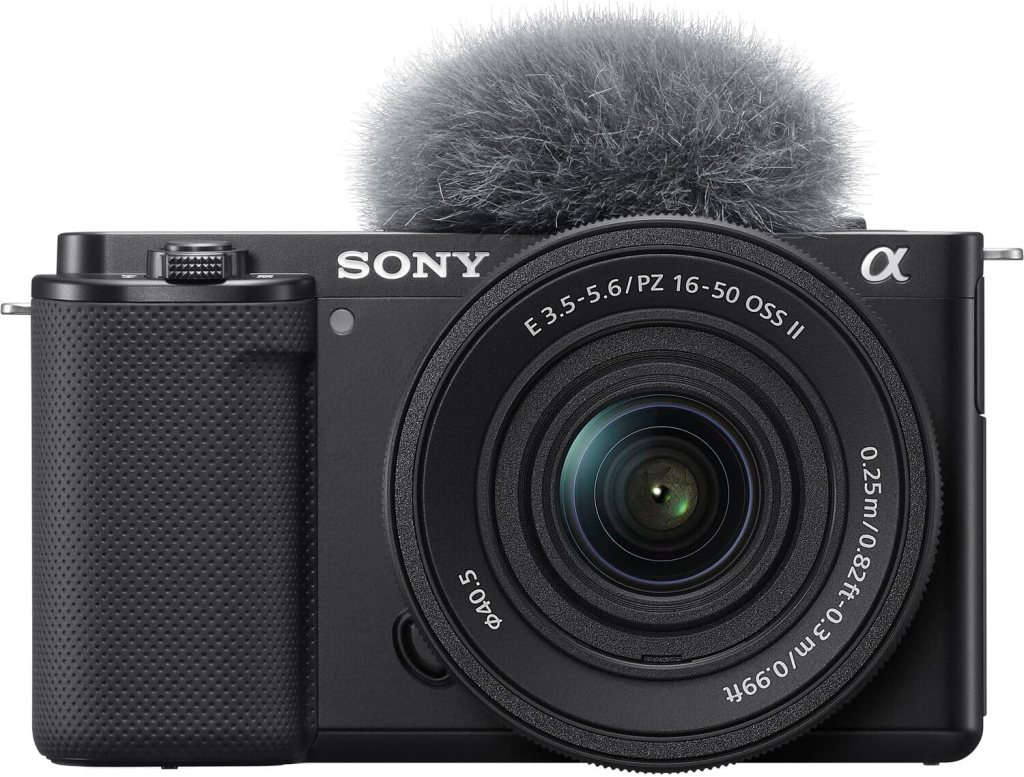
Best Overall Camera for Podcasting
The Sony ZV-E10 is one of the most popular cameras among content creators and podcasters. It combines excellent video quality, reliable autofocus, and interchangeable lenses in a lightweight body.
For podcast setups, the biggest advantage is Sony’s real-time eye autofocus. This keeps your face perfectly sharp even if you move around during conversations.
The camera also has a flip-out screen, great microphone support, and strong performance in studio lighting environments.
Pros
- Excellent autofocus with eye tracking
- Interchangeable lens system
- Sharp 4K video quality
- Flip-out screen for framing
- Compact and lightweight
Cons
- No in-body stabilization
- Battery life could be longer
Best for: creators who want a flexible camera that can grow with their podcast production.
2. Canon EOS R50
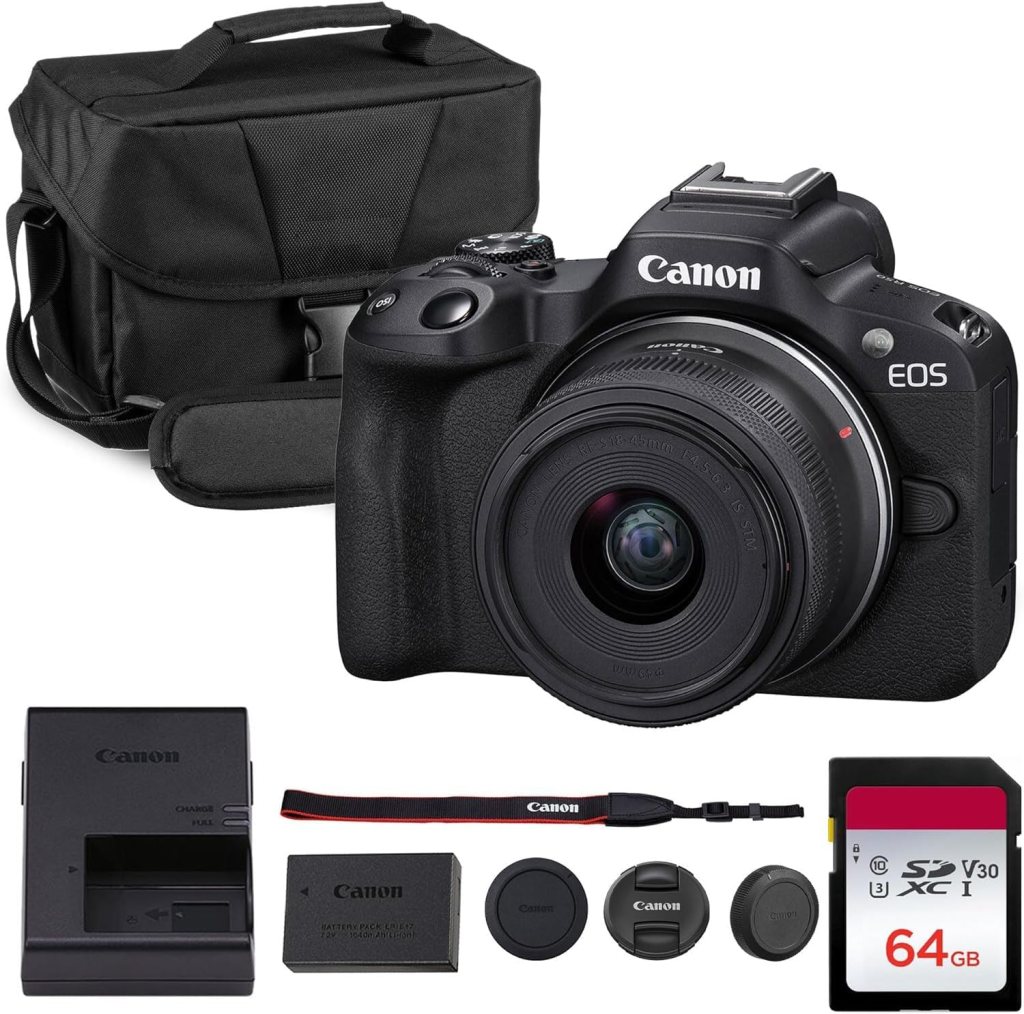
Best Budget Camera for Podcasting
The Canon EOS R50 is one of the easiest mirrorless cameras for beginners starting a video podcast. It delivers strong 4K video quality and a simple interface that makes setup straightforward.
Canon’s autofocus system is extremely reliable, especially for face tracking during conversations. The fully articulating screen also makes framing your shot very easy when recording alone.
If you’re building your first podcast studio and want a camera that balances price and performance, the R50 is a great choice.
Pros
- Excellent autofocus and face detection
- Beginner-friendly controls
- Flip screen for solo recording
- High quality 4K video
Cons
- Limited native lens selection compared to older systems
- Smaller battery capacity
Best for: new podcasters building their first studio.
3. Sony ZV-1

Best Compact Camera for Solo Podcasters
If you want a camera that’s incredibly simple to use, the Sony ZV-1 is a great solution. It has a built-in lens and doesn’t require additional gear to start recording.
Many solo podcasters choose it because the setup is quick. You can place it on a small tripod, frame your shot with the flip screen, and start recording within minutes.
The camera also includes strong autofocus and excellent background blur thanks to its fast lens.
Pros
- Built-in lens simplifies setup
- Excellent autofocus tracking
- Compact and lightweight
- Great for small podcast desks
Cons
- No interchangeable lenses
- Limited upgrade flexibility
Best for: solo creators who want a simple, portable podcast camera.
4. Panasonic Lumix GH5 II
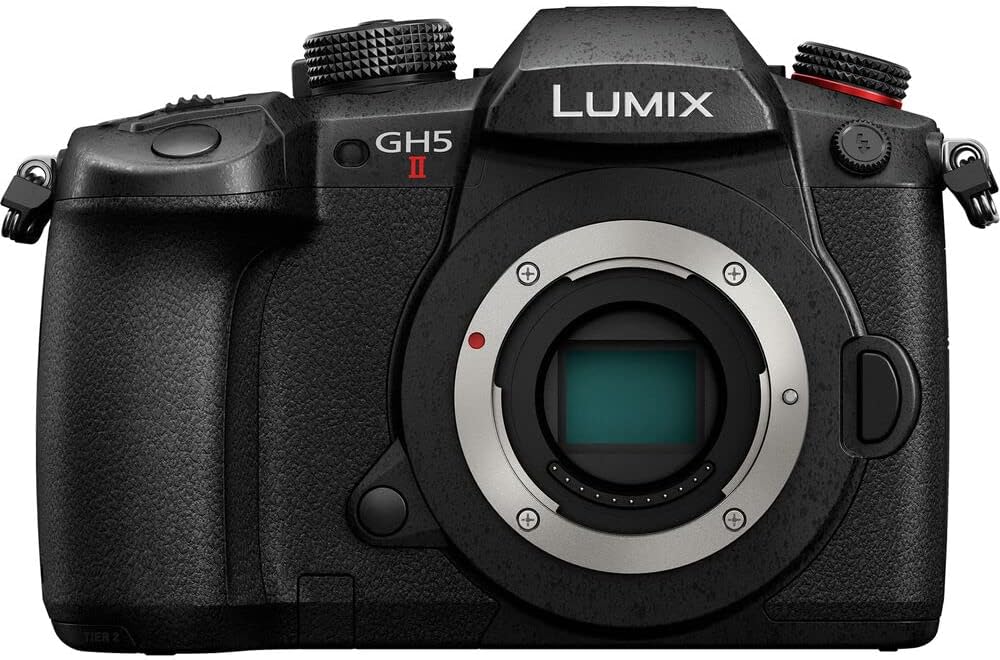
Best Professional Camera for Podcast Studios
The Panasonic GH5 II is a powerhouse for professional podcast studios. It’s widely used in video production because of its advanced recording features and excellent reliability.
One of the biggest advantages is unlimited recording time. Many cameras stop recording after 30 minutes, but the GH5 II can record for hours without interruption.
It also includes professional video tools like advanced codecs, color profiles, and strong heat management.
Pros
- Unlimited recording time
- Professional video features
- Excellent stabilization
- Strong durability for studio setups
Cons
- Higher price than beginner options
- Autofocus is not as strong as Sony or Canon
Best for: multi-camera podcast studios and professional productions.
5. Logitech Brio 4K
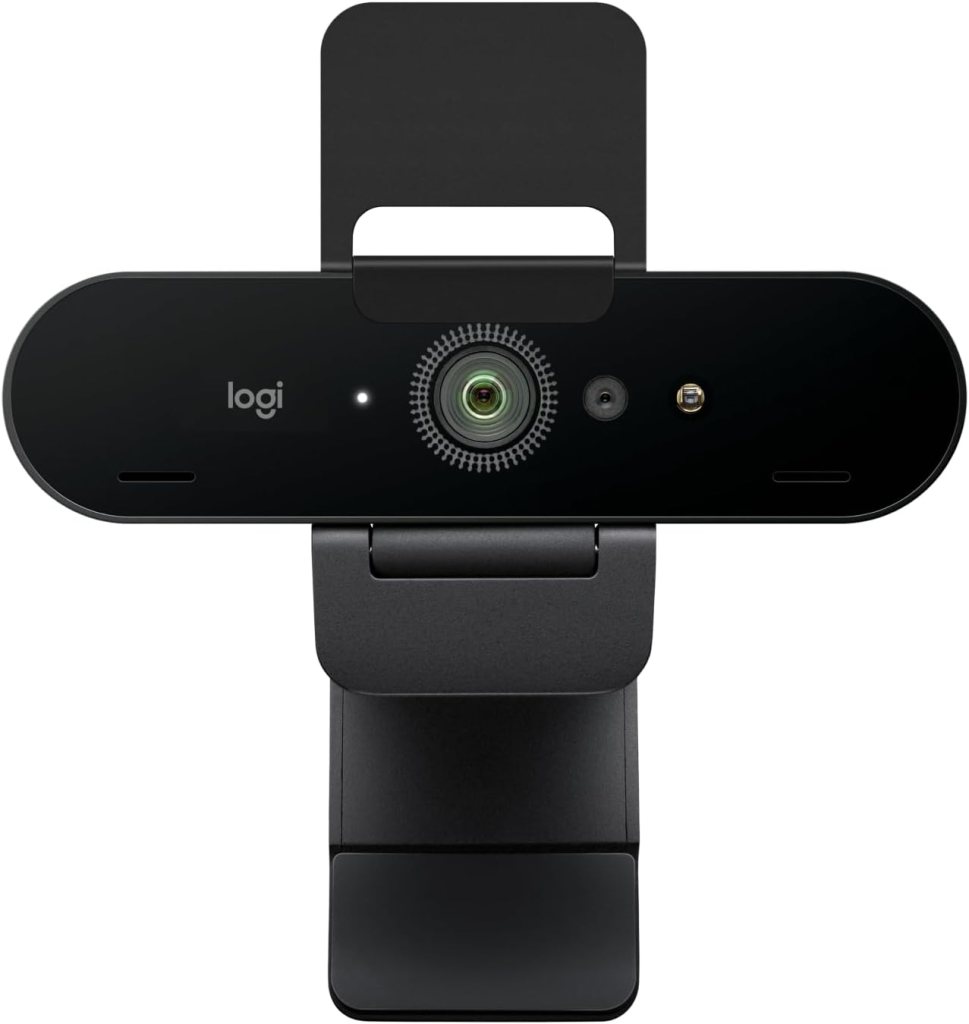
Best Webcam for Podcasting and Live Streaming
Not every podcast needs a dedicated camera. If you’re streaming your podcast live or recording directly to your computer, a high-quality webcam can be enough.
The Logitech Brio 4K is one of the best webcams available. It offers sharp 4K video and connects directly to your computer with no additional capture cards.
It’s especially useful for podcasters using software platforms like Riverside, Zoom, or OBS.
Pros
- Plug-and-play setup
- No capture card required
- Good 4K image quality
- Compact and affordable
Cons
- Smaller sensor than dedicated cameras
- Limited control over image settings
Best for: live streaming podcasts or remote recording setups.
What Makes a Good Podcast Camera?
Not every camera works well for podcast production. Here are the most important features to consider.
Video Quality (1080p vs 4K)
Many podcasts still record in 1080p. However, 4K recording allows you to crop the frame during editing without losing quality.
This is especially useful if you use a single camera and want to simulate multiple angles.
Autofocus and Face Tracking
Podcasters move naturally while speaking. Reliable face detection ensures the camera keeps your face sharp throughout the conversation.
Sony and Canon cameras are especially strong in this area.
Clean HDMI Output
If you plan to live stream your podcast, clean HDMI output is essential. It allows the camera to send video to a capture card without overlays.
Recording Limits and Overheating
Long podcast sessions can last over an hour. Cameras with unlimited recording or strong heat management are ideal for these situations.
Flip Screens for Framing
A flip-out screen lets you see yourself while recording. This helps ensure proper framing and focus, especially for solo podcasters.
Camera vs Webcam for Podcasting
| Feature | Camera | Webcam |
|---|---|---|
| Video Quality | Higher image quality | Good but limited |
| Lens Options | Interchangeable lenses | Fixed lens |
| Setup | More complex | Plug-and-play |
| Price Range | Higher | Lower |
| Best Use | Studio podcasts | Streaming or remote podcasts |
If your podcast focuses heavily on video platforms like YouTube, a dedicated camera usually delivers better results.
Best Camera Setup for a Video Podcast
Your camera is only one part of a great podcast setup.
Single-Camera Podcast Setup
A single camera works well for solo podcasts or simple shows. Position the camera directly in front of you with soft lighting to create a clean and professional look.
Two-Camera Interview Setup
Two cameras allow you to capture each host separately. This makes editing more dynamic and improves audience engagement.
Three-Camera Professional Studio Setup
Professional podcasts often use three cameras:
- one wide shot
- one camera per host
This provides multiple angles and keeps the video visually interesting.
How to Choose the Right Podcast Camera
Budget
Beginners can start with a webcam or compact camera. More advanced setups benefit from mirrorless cameras with interchangeable lenses.
Studio vs Mobile Podcast
If your podcast stays in one location, larger cameras are fine. Mobile podcasters may prefer compact models.
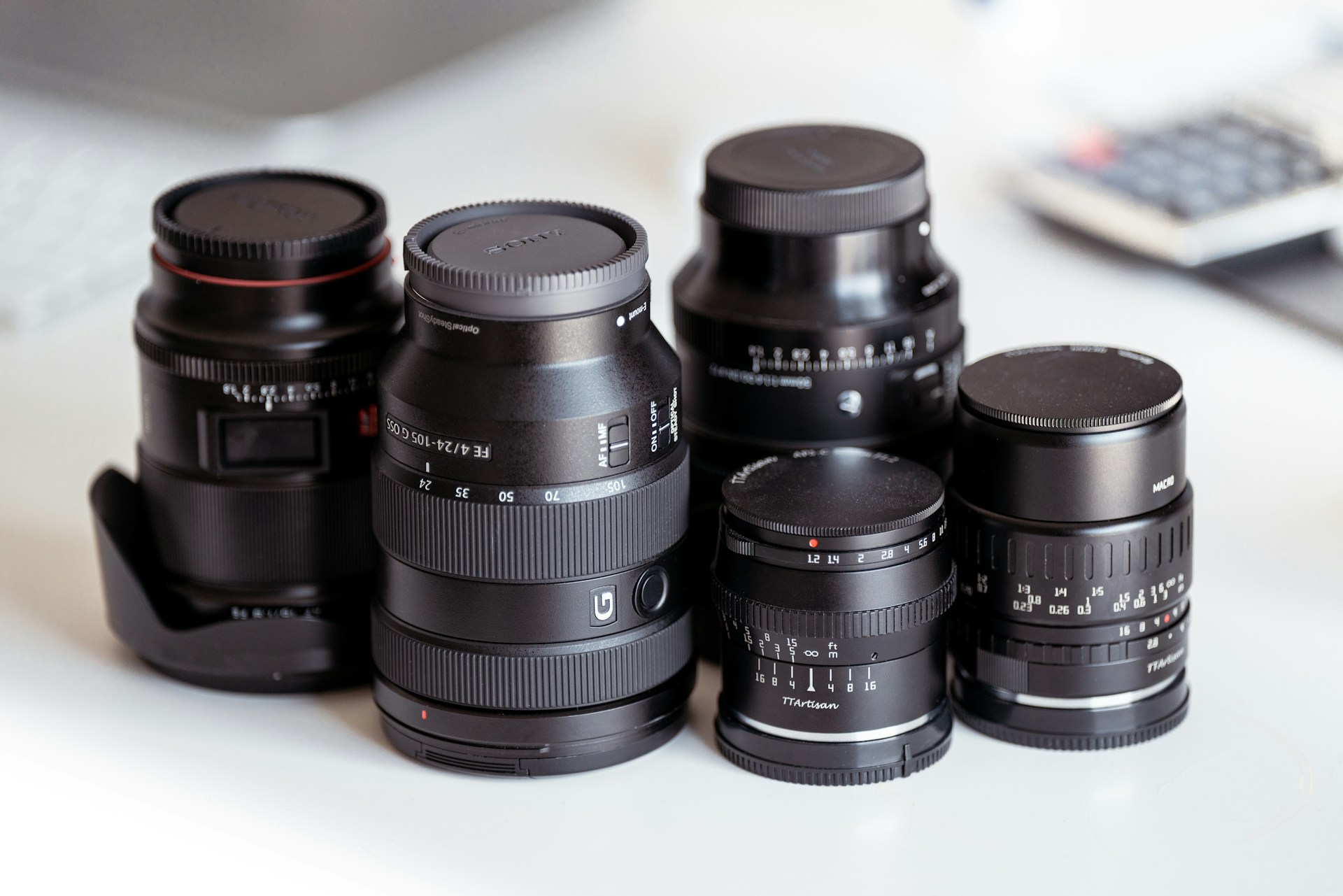
Lens Ecosystem
Interchangeable lens cameras offer more creative control. Wide lenses are especially popular for podcast studios.
Live Streaming vs Recorded Podcasts
If you stream live frequently, prioritize clean HDMI output and compatibility with streaming software.
FAQs About Podcast Cameras
What is the best camera for podcasting?
The Sony ZV-E10 is widely considered one of the best cameras for podcasting. It offers excellent autofocus, strong 4K video quality, and interchangeable lenses, making it suitable for both beginners and advanced creators.
Do you need a DSLR or mirrorless camera for a podcast?
You don’t necessarily need a DSLR or mirrorless camera. Many podcasters use webcams or smartphones. However, mirrorless cameras usually provide better image quality and more creative control.
Is 4K necessary for podcast recording?
4K is not required, but it offers more flexibility. It allows you to crop the video during editing and maintain high quality, which can simulate multiple camera angles.
Can you use a webcam for podcasting?
Yes. High-quality webcams like the Logitech Brio 4K work well for podcasting, especially if you stream or record directly to your computer.
What camera do most YouTube podcasters use?
Many YouTube podcasters use mirrorless cameras from Sony, Canon, or Panasonic because they provide strong autofocus, interchangeable lenses, and reliable recording performance.
What is the best budget camera for podcasting?
The Canon EOS R50 is one of the best budget options. It offers excellent autofocus, strong video quality, and an easy-to-use interface.
Can you record a podcast with a single camera?
Yes. Many podcasts use a single camera positioned in front of the host. With 4K recording, you can crop the footage during editing to simulate multiple angles.
What lenses are best for podcast videos?
Wide lenses between 16mm and 35mm are commonly used in podcast studios. They capture enough of the scene while keeping hosts properly framed.
Do podcast cameras need overheating protection?
Yes. Long recording sessions can generate heat. Cameras designed for video production usually include better heat management and longer recording limits.
Final Thoughts: Choosing the Best Camera for Your Podcast
The best camera for podcasting depends on your setup and budget. Beginners may start with a webcam or compact camera, while serious creators often invest in mirrorless cameras for better video quality and flexibility.
The Sony ZV-E10 stands out as the best overall choice because it balances performance, price, and ease of use. Meanwhile, professional studios may prefer the Panasonic GH5 II for its unlimited recording and advanced video tools.
No matter which camera you choose, good lighting, clear audio, and thoughtful framing will make the biggest difference in your podcast’s visual quality.
Affiliate Disclaimer
This article contains affiliate links. If you purchase through these links, we may earn a small commission at no additional cost to you.
Leave a Reply